Update to latest version by either scan or click on the buttons:


What is new?
- Send info to storage solution (Norway specific)
- Reassign to another Tower!
There are 2 logic of what will happen:
- If the service request is reassigned BEFORE “Ready at incident site” the status will be sat to “Assigned to Tower” and timestamps will be reset. Then the new tower need to accept it as normal.
- If you reassign AFTER “Ready at incident site” the SR will only change tower, and the new tower does not need to accept. All the info from Tower 1 will be remembered.
How to reassign:
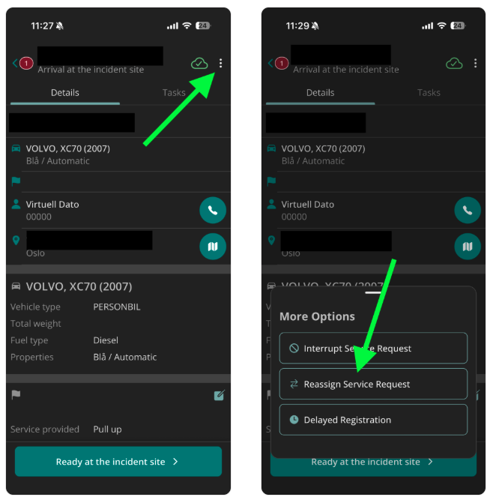
First press the three dots in the Service Request and then press “Reassign Service Request”.
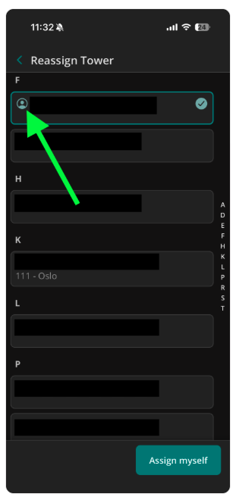
On the next screen you get to select which tower you want to reassign to. If you opened the Service Request via the Station pages, you can also choose to reassign someone else's Service Request to yourself.
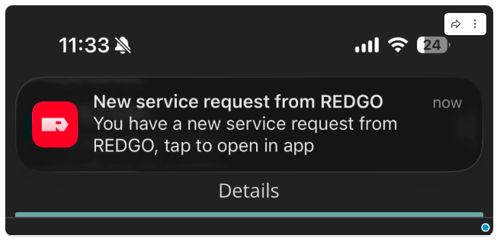
When a Service Request has been assigned to you or away from you, you’ll receive a notification as you would do with regular Service Requests.